Use Google Chrome, Microsoft Edge, or another modern browser.
¶ Login Guide
LOGIN GUIDE
¶ Access UtopiaSpace using your company Google account.
Use this page when you need to open the system, choose the correct Google account, or fix common login issues.
¶ Start Here
Access flow
Follow these steps in order when signing in from a browser.
Enter space.utopiagroup.com.my in the address bar.
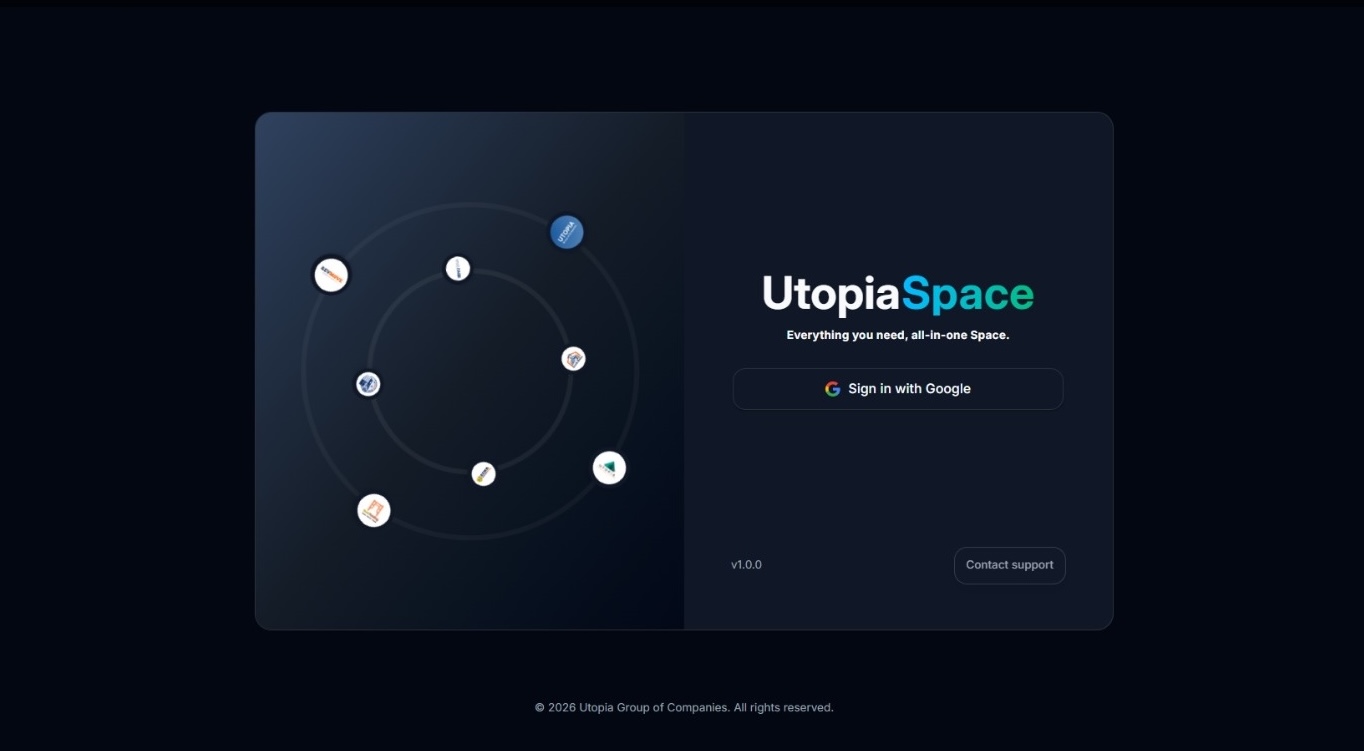
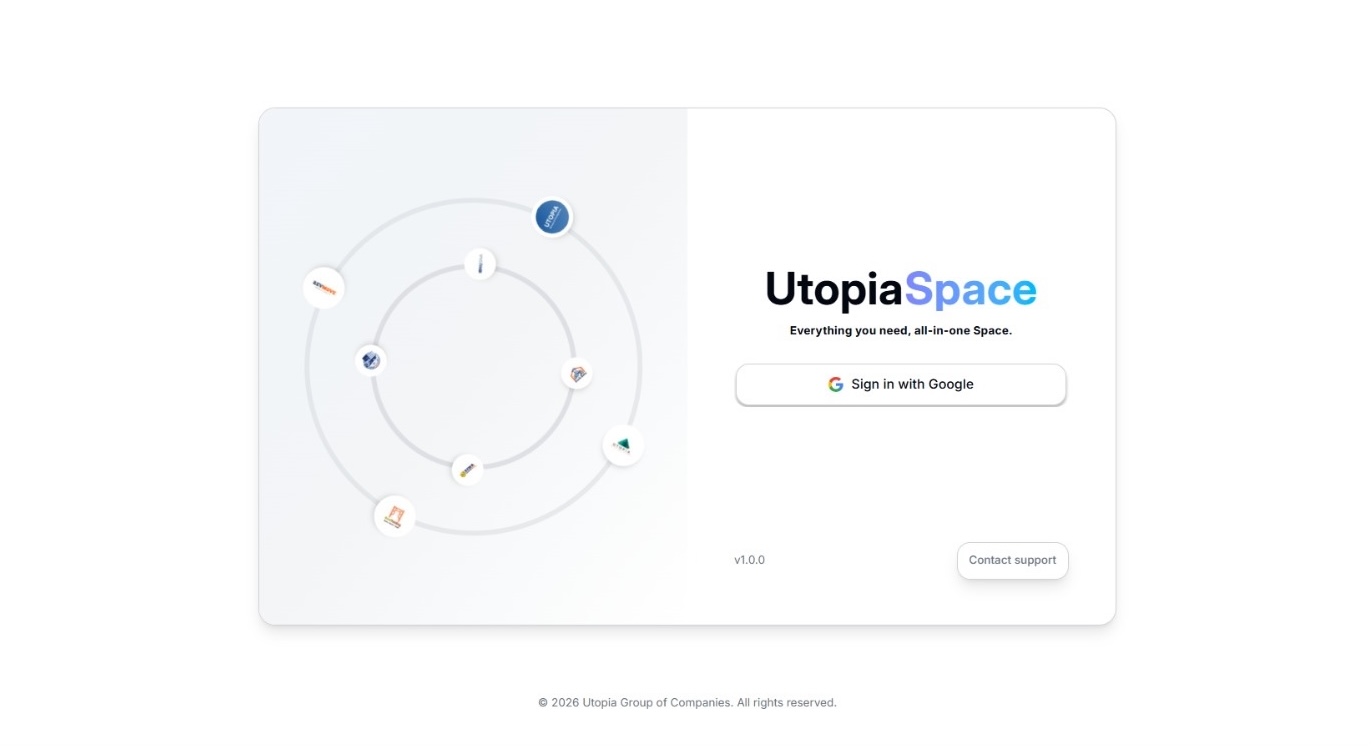
Click Sign in with Google on the UtopiaSpace login screen.
Pick the registered company Google account and allow permissions if prompted.
¶ First-Time Login
First access
Check these items first if this is your first time using UtopiaSpace.
Sign in with your registered company Google account, not a personal Gmail account.
Your visible modules depend on your assigned role, such as Manager, HR, Account, or another department.
If a module is missing, contact the administrator to confirm your account permissions.
After successful login, you will be redirected to the system dashboard.
¶ Login Issues
Quick checks
Most login issues are related to account selection, access permission, cache, or an old browser session.
Issue
What to check
Wrong account
Sign out and choose the company Google account registered for UtopiaSpace.
No accessAsk the administrator to confirm that your account has been granted access.
Stuck after loginLog out, sign in again, or open UtopiaSpace in a fresh browser tab.
Page still failsClear your browser cache, then retry. If it continues, contact the system administrator.
Still blocked?
Open troubleshooting
Prepare a screenshot and the account email you used before asking for help.
¶ Security Tips
Account safety
Keep company access private, especially on shared devices.
Always access UtopiaSpace with your official company Google account.
Do not share your Google credentials, browser session, or account access with anyone.
Always sign out after using UtopiaSpace on a shared or public device.